
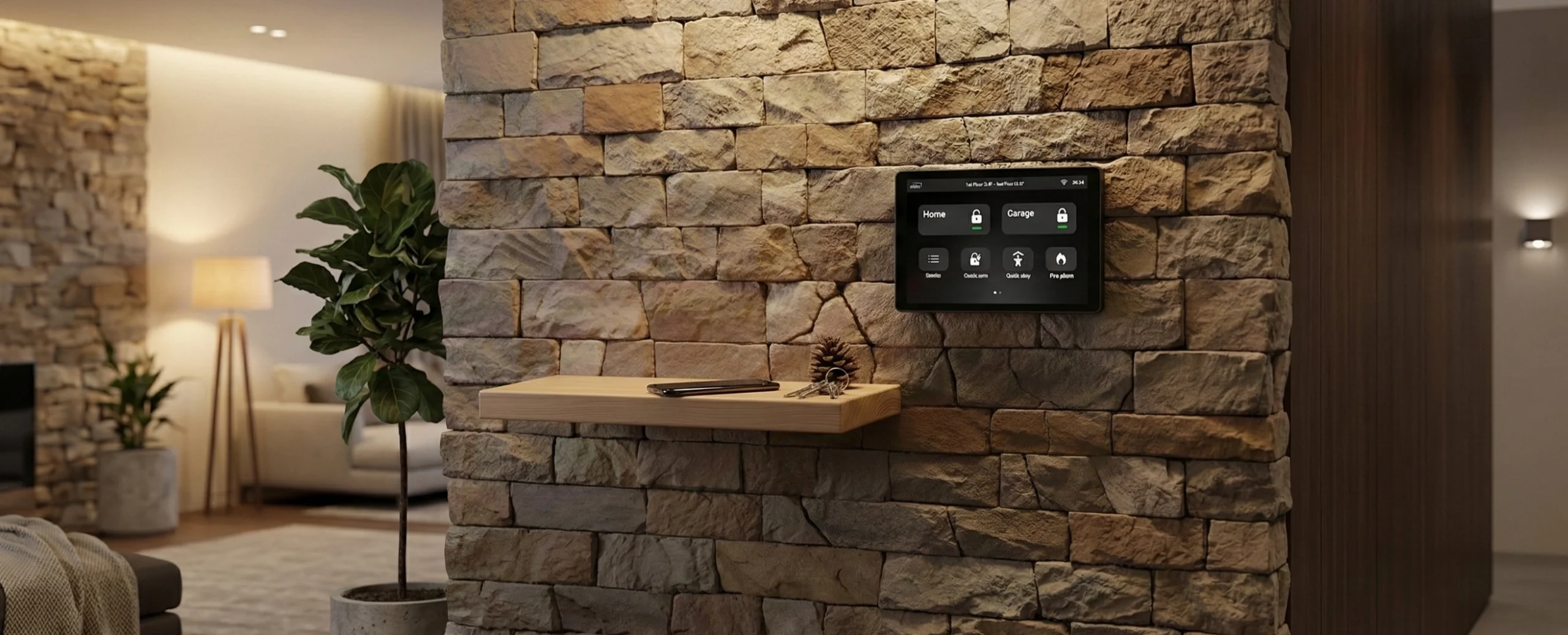
Minimal Design
A premium glass touchscreen combines elegant design with everyday functionality. Its slim profile allows it to integrate naturally into modern interiors while remaining the central control point of the security system.
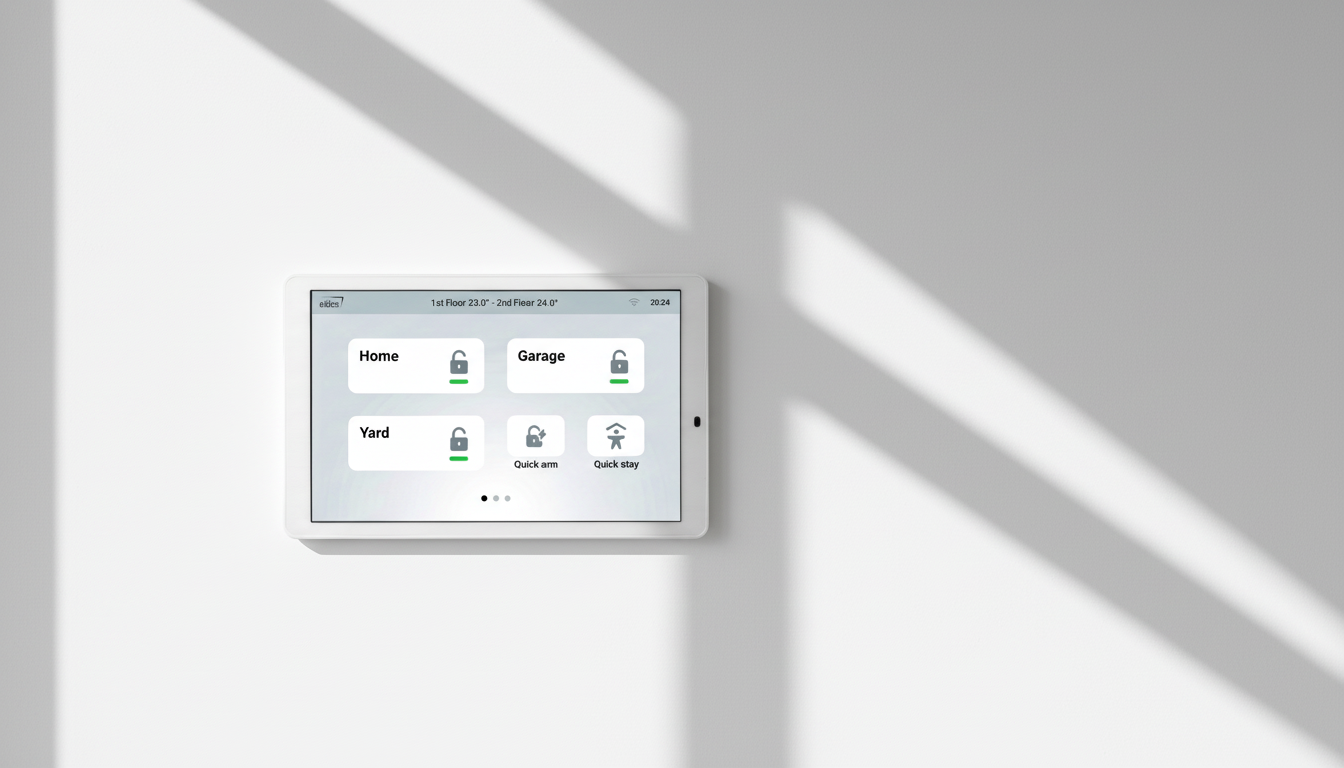
Two Colors, One Design
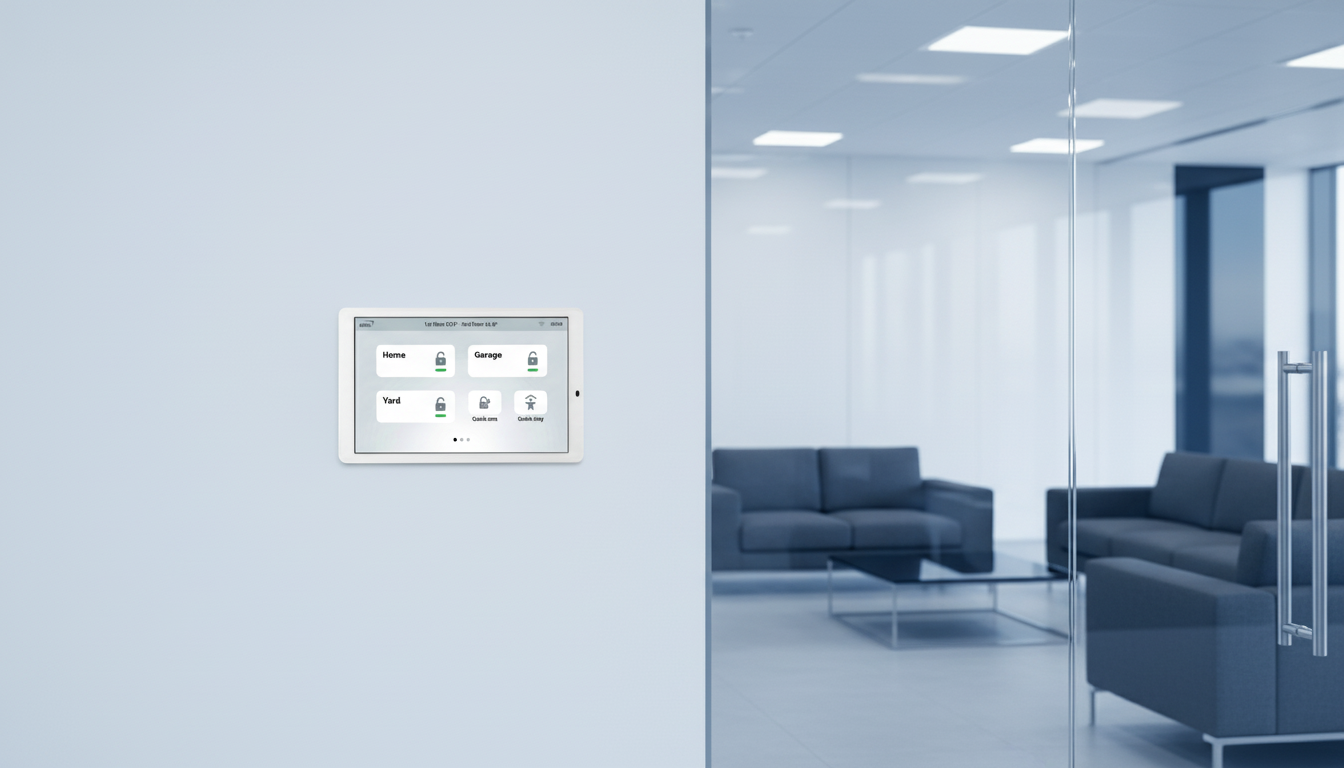
EKB6 is available in black and white finishes, making it easy to match different interior styles. Whether it stands out or blends in, it fits naturally into modern interiors
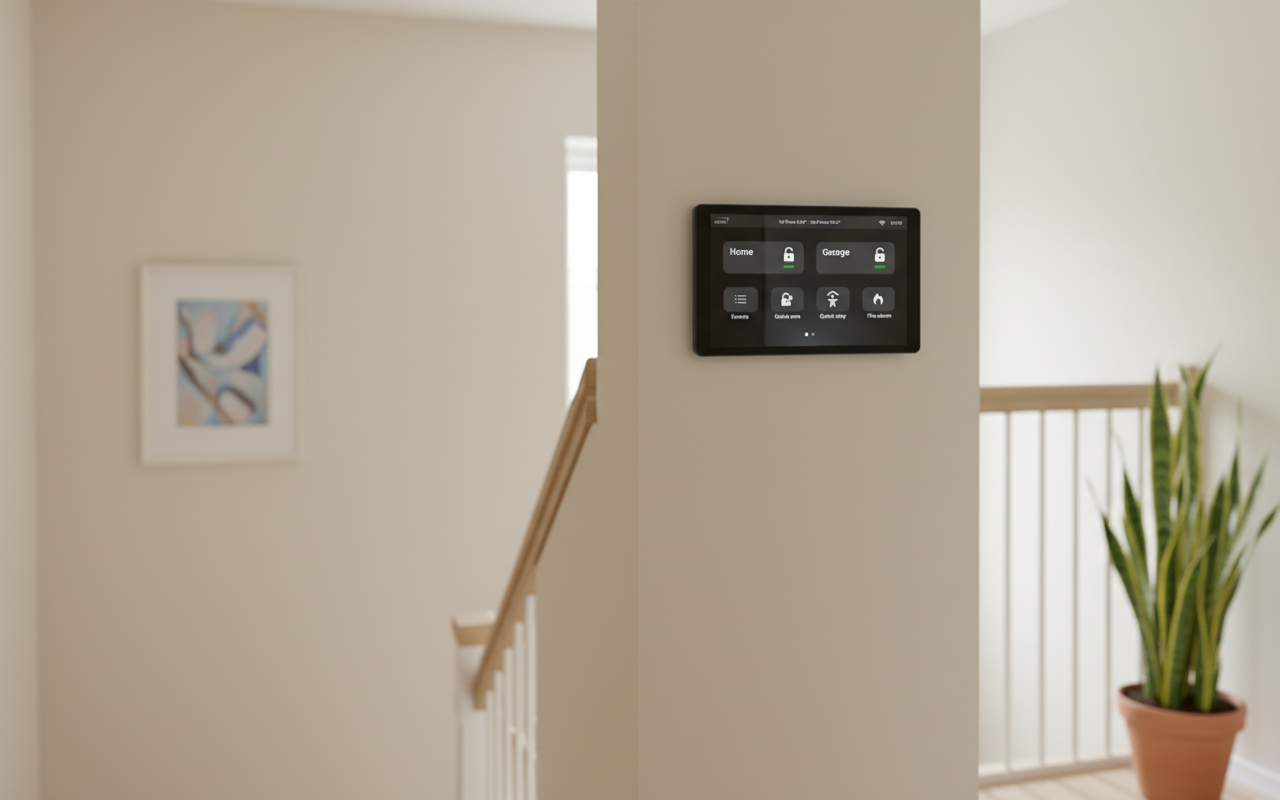
8″ Capacitive Touchscreen
An 8-inch responsive touchscreen delivers a clear and smooth user experience. The modern display and clean interface make navigation simple and convenient.
Smart Control
All key security functions in one place — arm, disarm and monitor system status in real time. Clear and simple control makes everyday use easy.
Specifications
| Power supply | DC 9-16V input |
| Power consumption | up to 10W |
| Dimensions | 199mm*125mm*15mm |
| CPU | RK3566 Quad-core Cortex-A55 up to 1.8GHz |
| System | Android 11 |
| RAM | 2G |
| Display size | 8 inch |
| Resolution | 800*1280 |
| Touch Panel | 5 points capacitive touch panel, IPS |
| Brightness | 450nit |
| Mount | Wall-mounted / in wall & embedded |
| Working temperature | .-5°~70° |
| Language | Support multi-languages |
FAQ
What should I do if the keypad suggests rebooting the panel?
During installation, the keypad has a five-minute window to connect to the panel. If a connection code is not entered within this timeframe, the system will prompt you to perform a panel reboot. How to perform it:
1. Disconnect Main Power: Switch off the primary AC power to the ESIM484 panel.
2. Disconnect Backup: Physically disconnect the backup battery.
3. Power Up: Reapply power to the panel.
4. Immediate Setup: Resume the configuration process immediately upon the keypad booting.
Why do I need to connect my EKB6 keypad to Wi-Fi?
During the initial setup, the system gives you the option to connect to a Wi-Fi network. This is a crucial step that will allow the keypad to perform the regular over the air updates.
How many keypads can I connect to ESIM484?
Up to two EKB6 keypads can be connected, but in conjunction with other keypads, the maximum number of wired keypads is 4.
Keypad Scalability Matrix
| Number of EKB6 Units | Max Additional EKB2/EKB3 Units | Total System Keypads |
|---|---|---|
| 0 | 4 | 4 |
| 1 | 3 | 4 |
| 2 | 2 | 4 |
What Keypad slot to choose during installation?
The EKB6 keypad allows you to choose between two available slots. If this is the only keypad in the system, the slot selection does not matter. However, if multiple keypads are connected, ensure you select a unique, vacant slot for each one to avoid addressing conflicts. Please note the following system limits for the ESIM484:
- A maximum of 4 wired keypads can be connected in total.
- Within that limit, a maximum of 2 EKB6 keypads are supported.
Quick Reference Table
| Keypad Type | Max Units Supported | Slot/Address Requirement |
| EKB6 | 2 | Must be unique (Slot 1 or 2) |
| Total Wired Keypads | 4 | No two devices can share a slot |
Manuals
EKB6 Manual
Product datasheet
Certificates
CE certificate of conformity